Free resume & CV templates for every job and country
All 88 templates are 100% free and editable in your browser — single-column ATS-safe layouts, modern two-column designs, European Lebenslauf/CV formats and one-page fresher templates. Pick any design to open it in the builder, edit inline, and download a PDF or Word (.docx) file with no sign-up and no watermark.

88 free templates
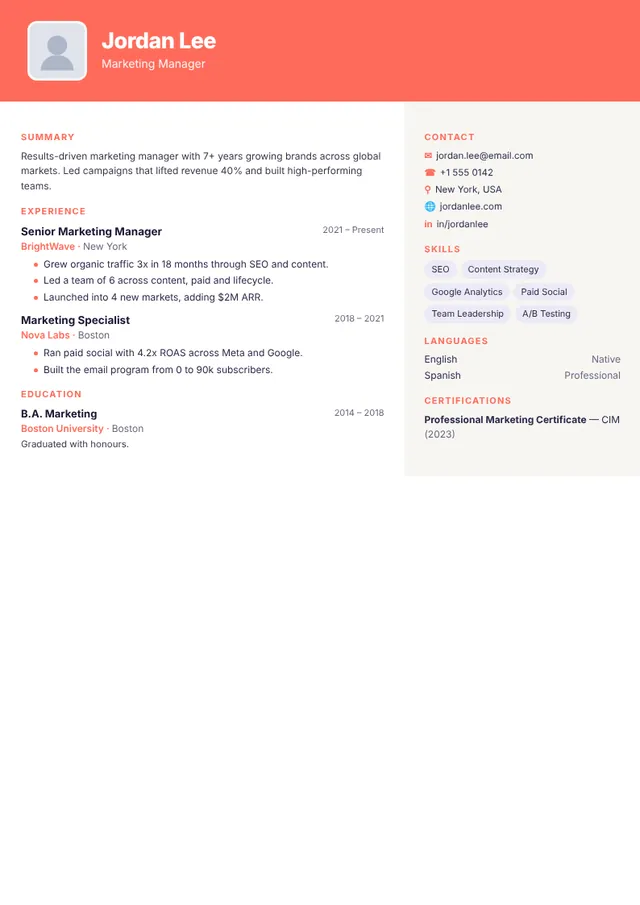
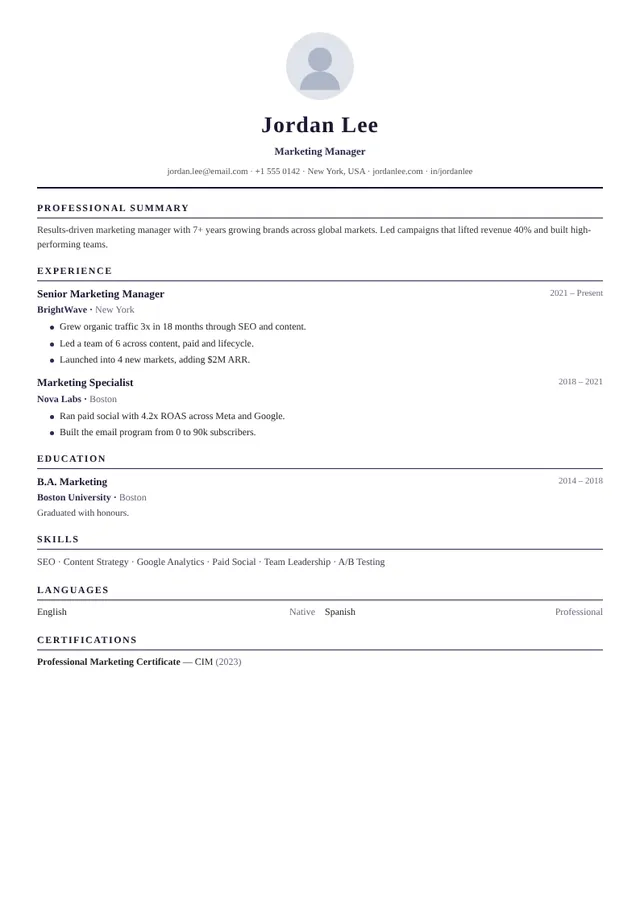
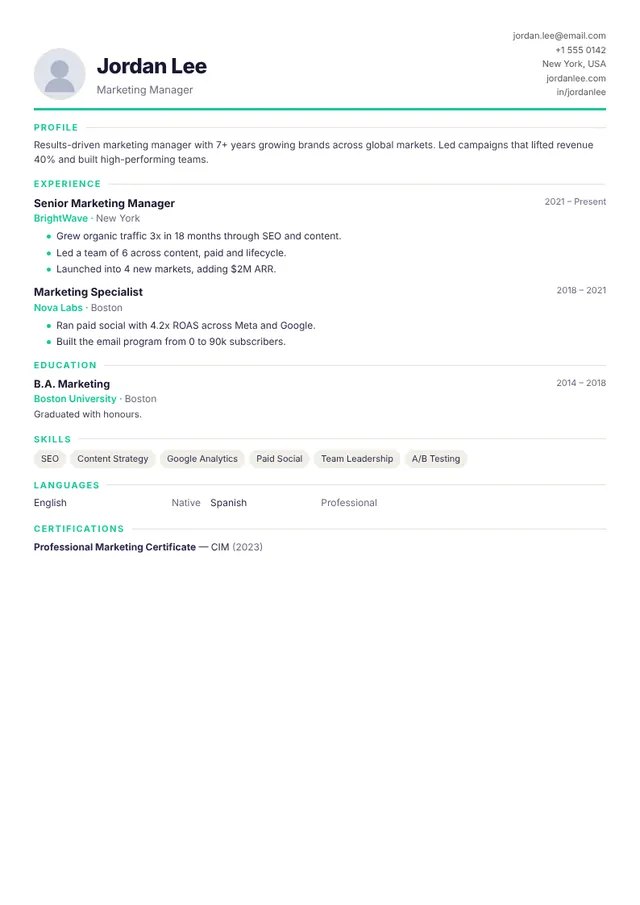
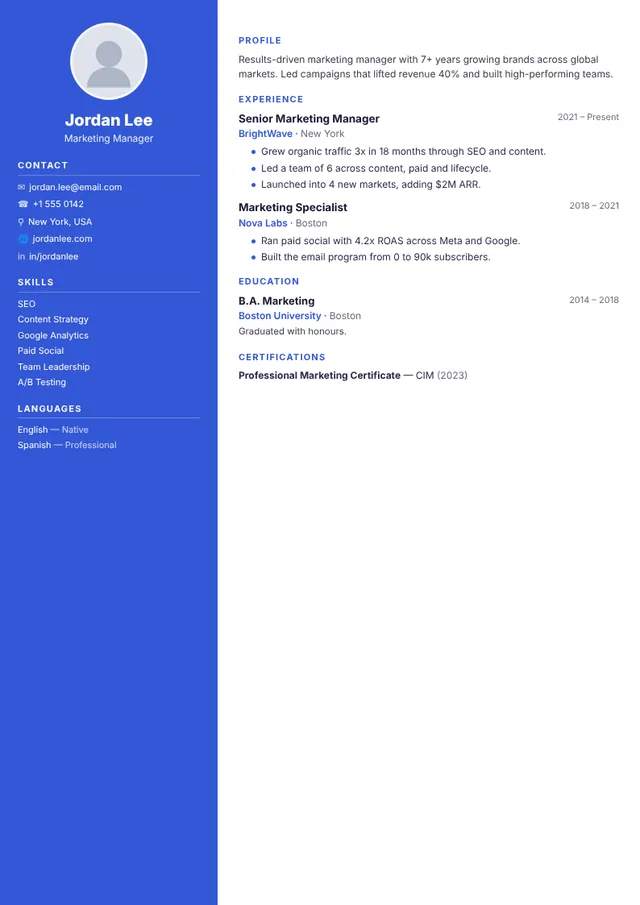




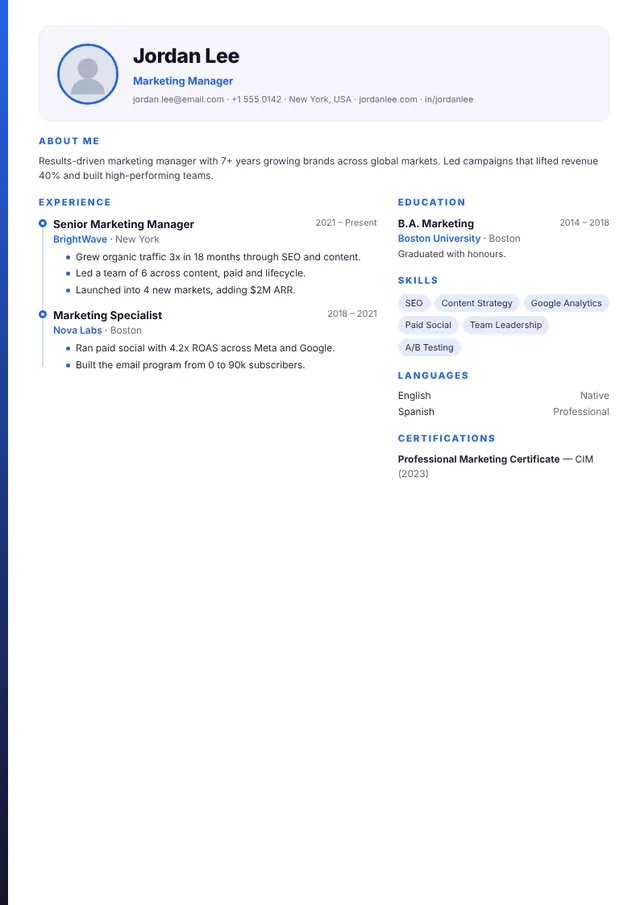

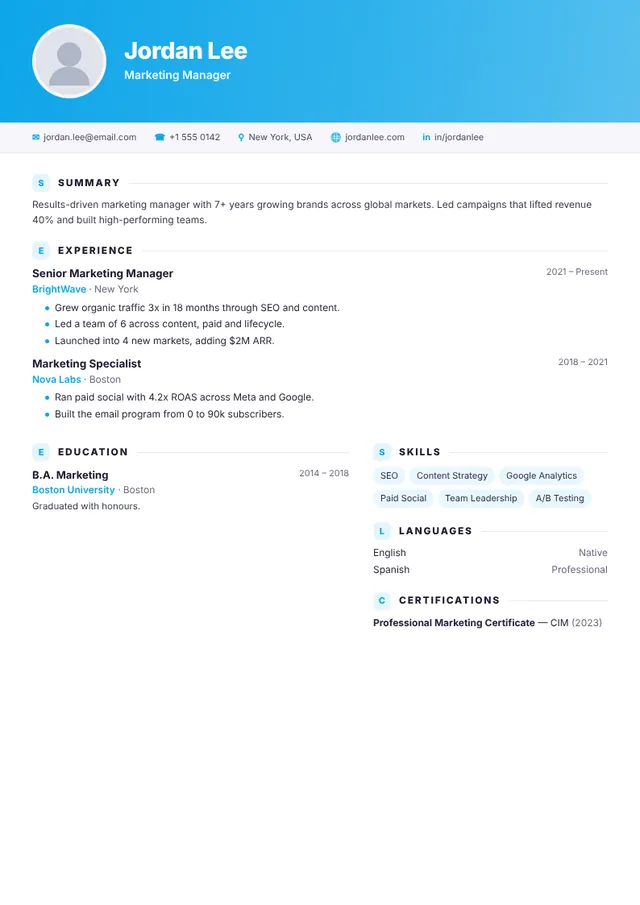


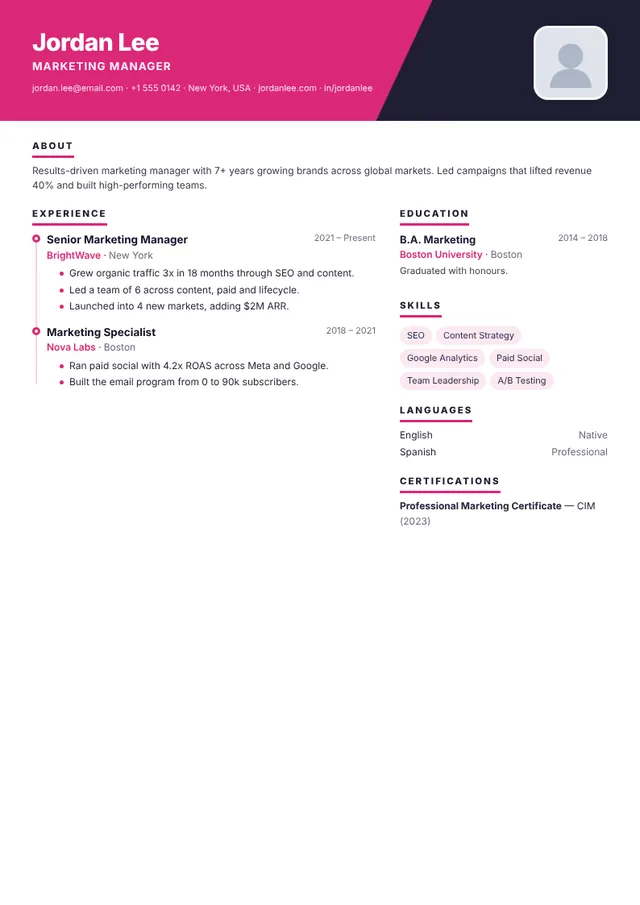

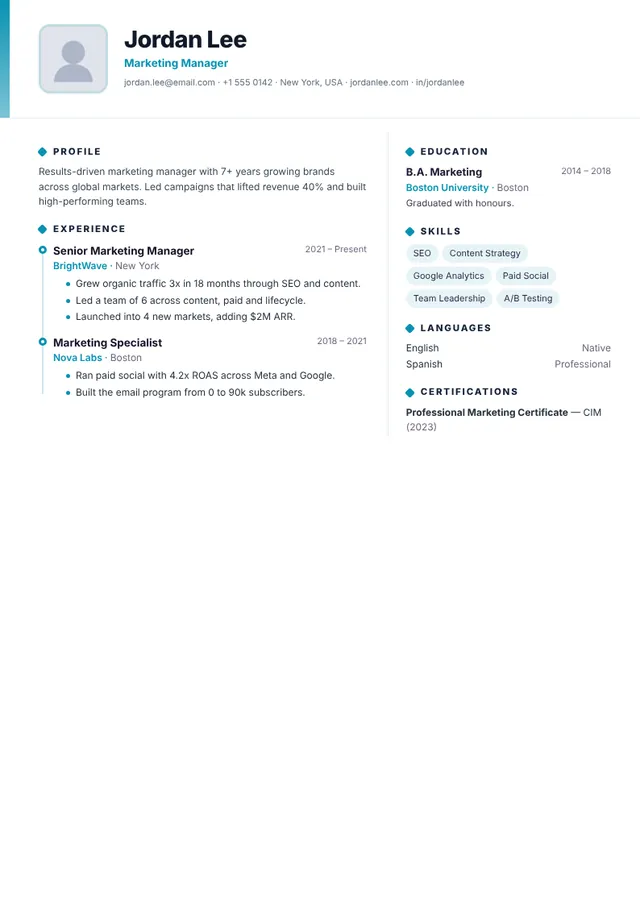
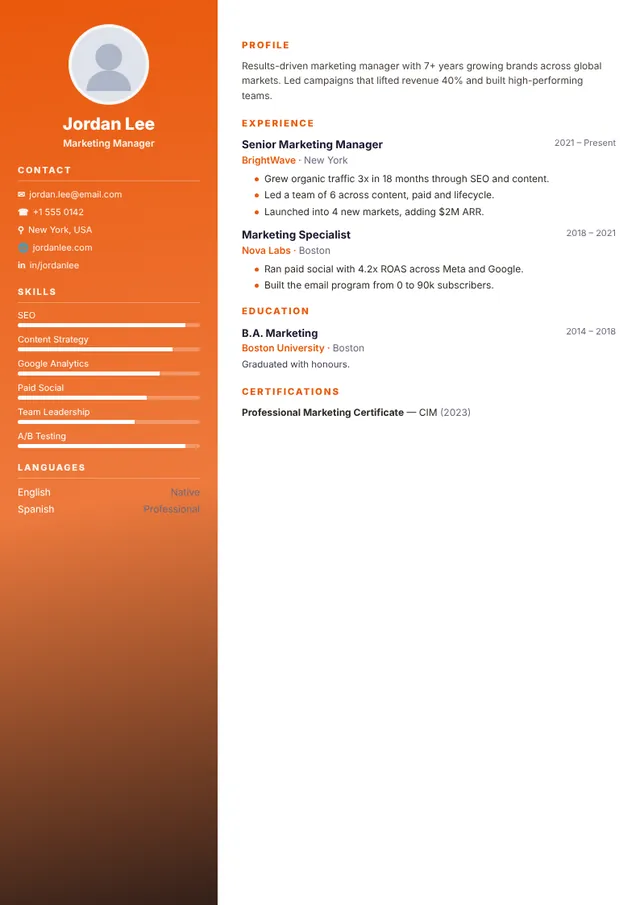


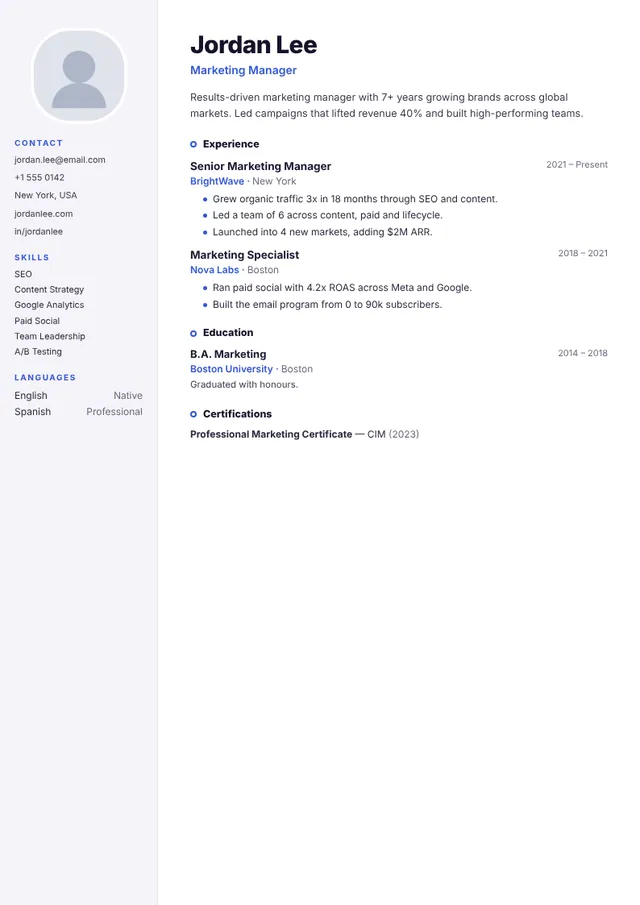
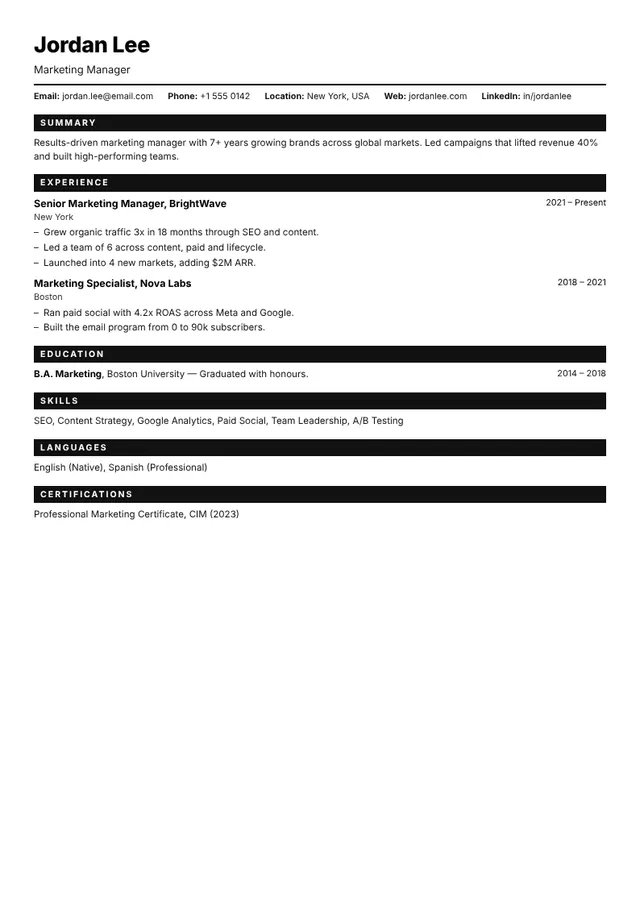


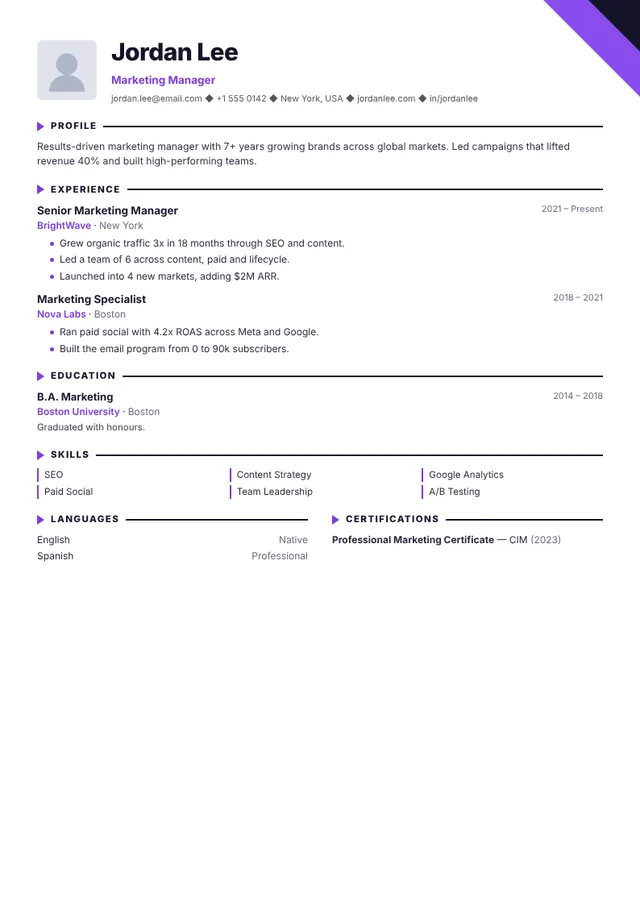

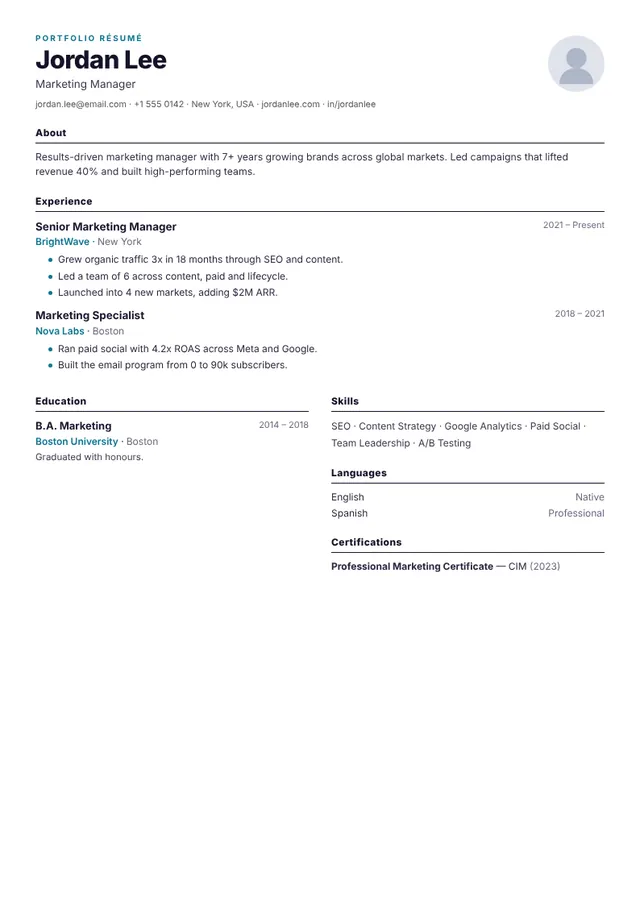
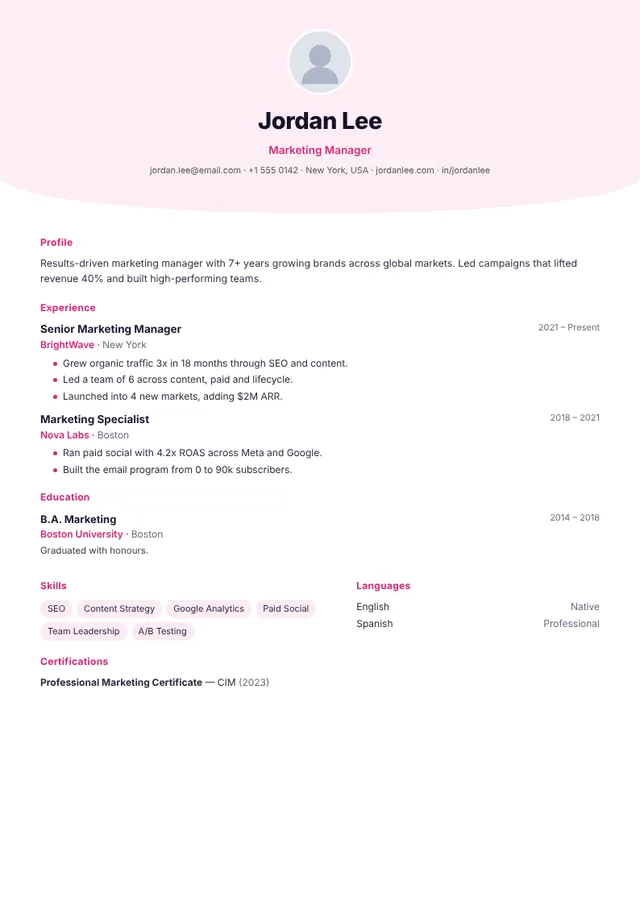

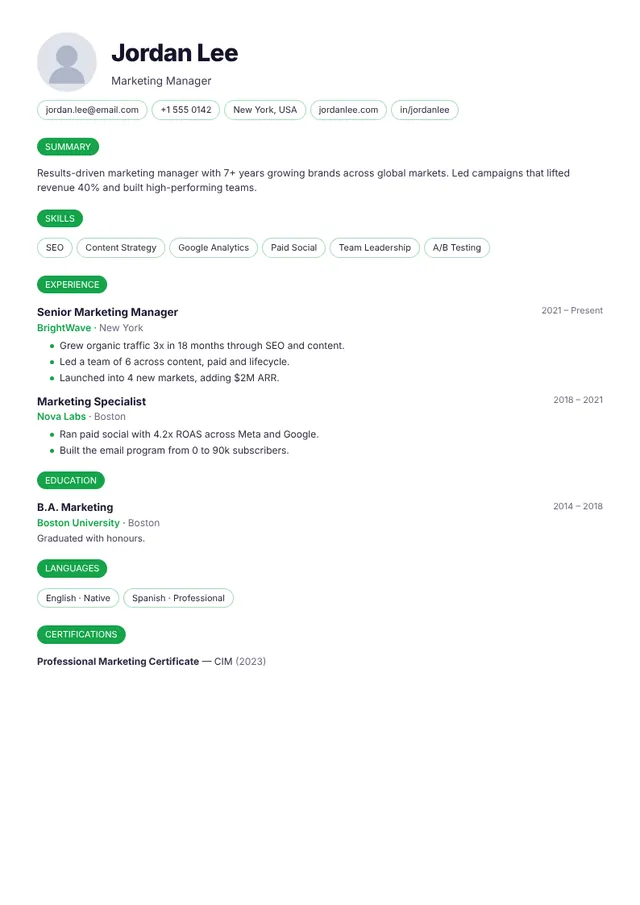


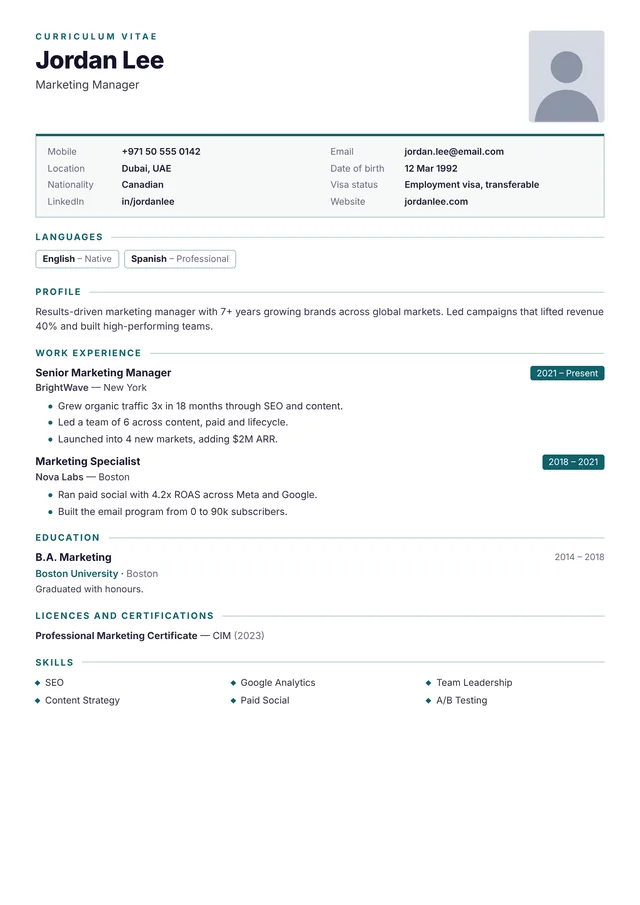












Which resume template should you use? (Comparison by industry and country)
The right template depends on two practical questions: where the employer is located and whether software or a human reads your file first. When you upload a resume to a large company's career portal, an applicant tracking system (ATS) extracts the text before a recruiter sees it. When you apply by direct email or referral, visual polish and scannability lead. Use this matrix to narrow all 88 designs down to the right shortlist:
| Application Scenario | Recommended Templates | Layout & Photo Rule |
|---|---|---|
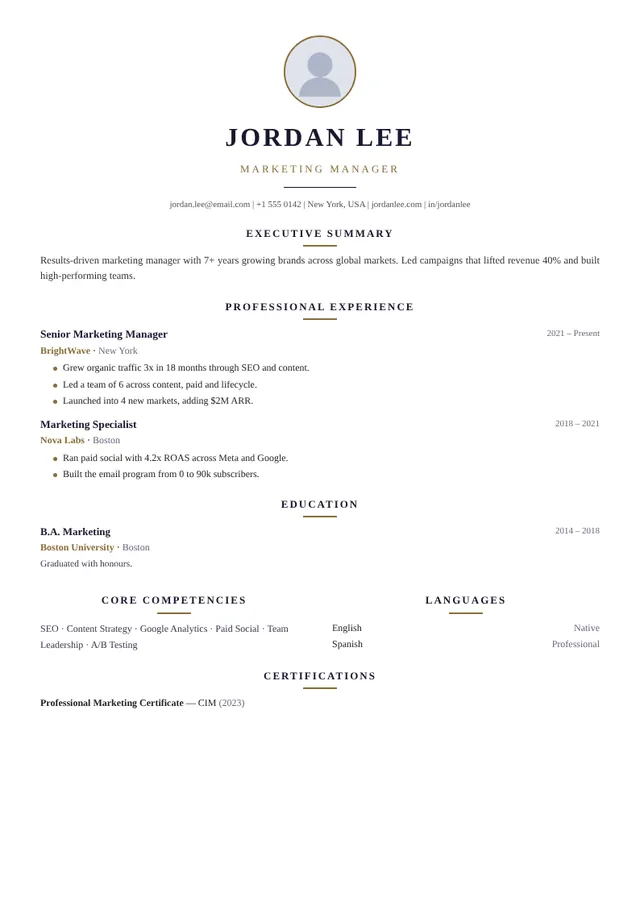
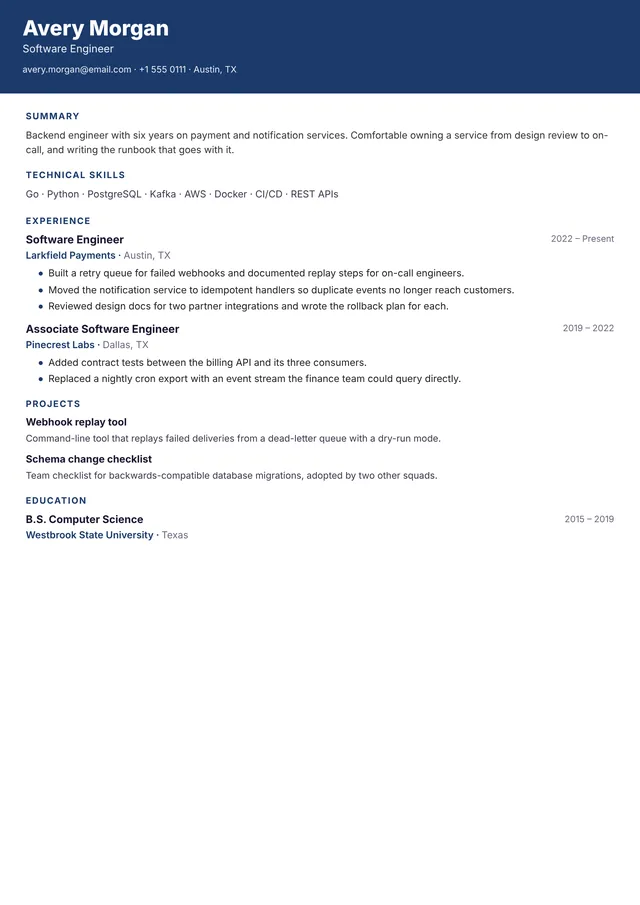
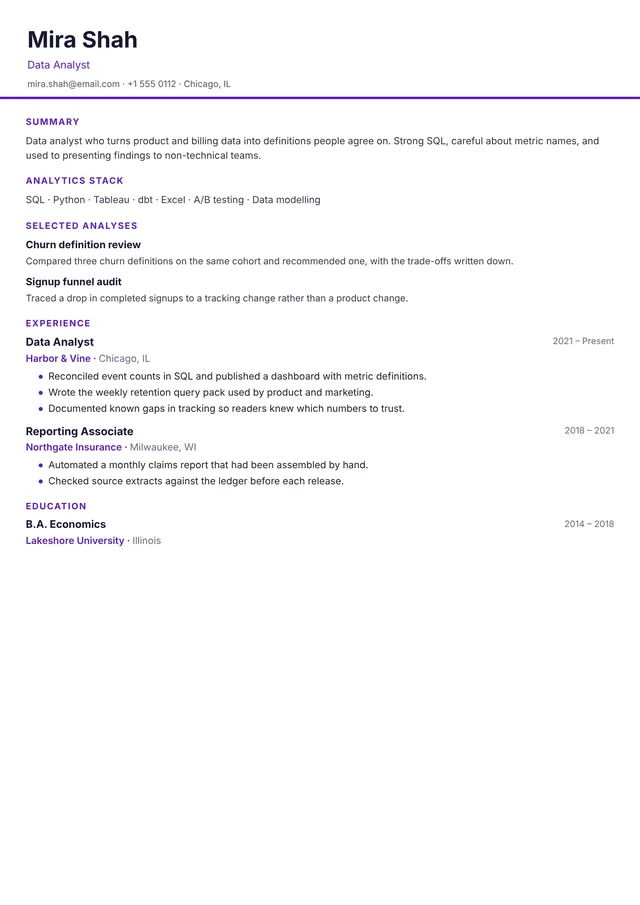
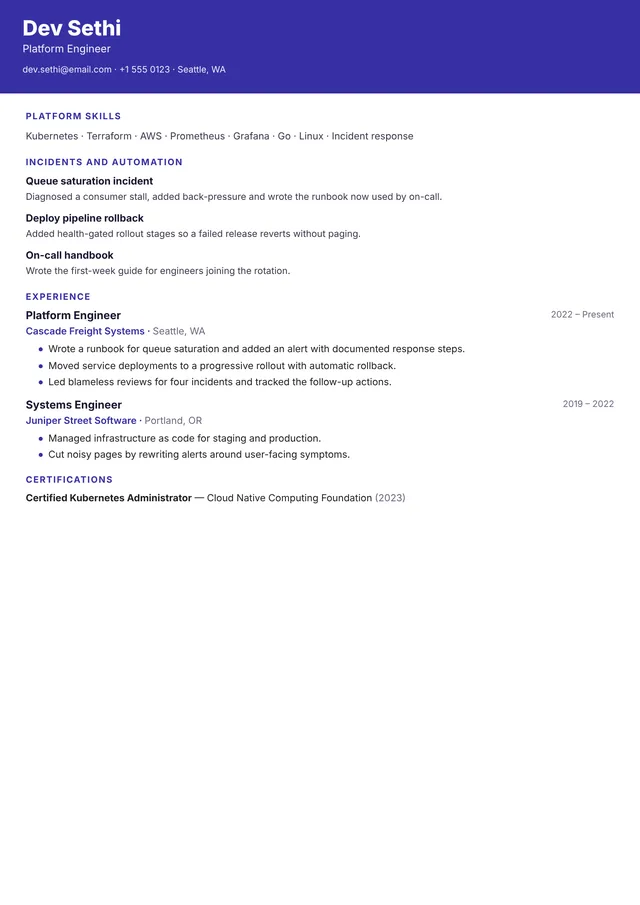
| Corporate portals & strict ATS screening | Meridian, Mono, Horizon, Quartz, Signal | Single column, standard headings, no photo; export as Text PDF or Word (.docx) |
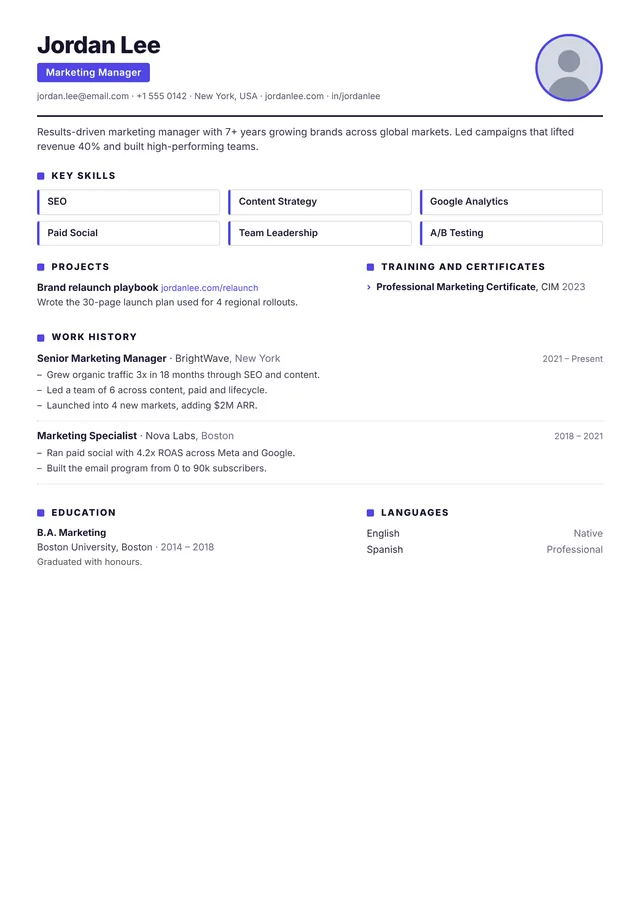
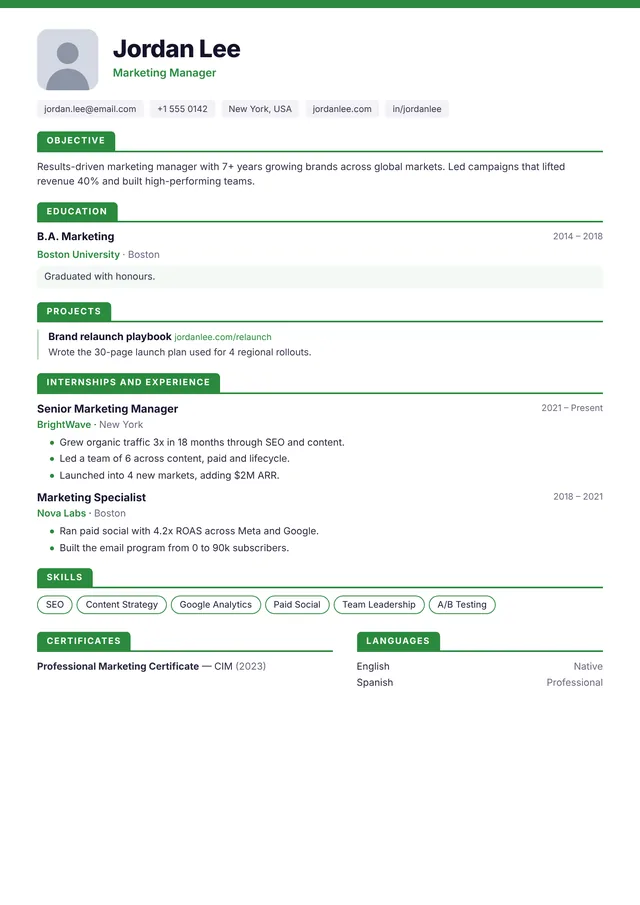
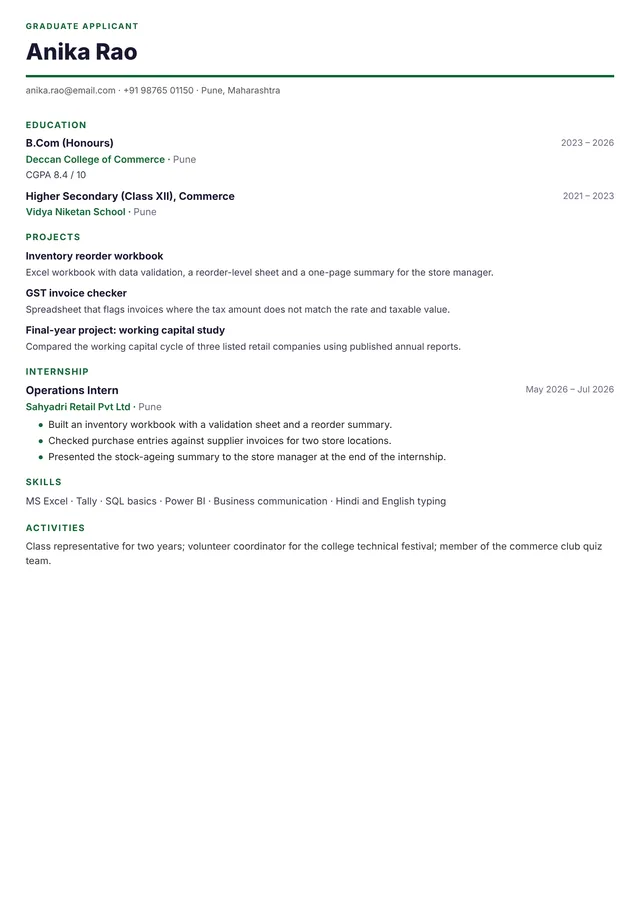
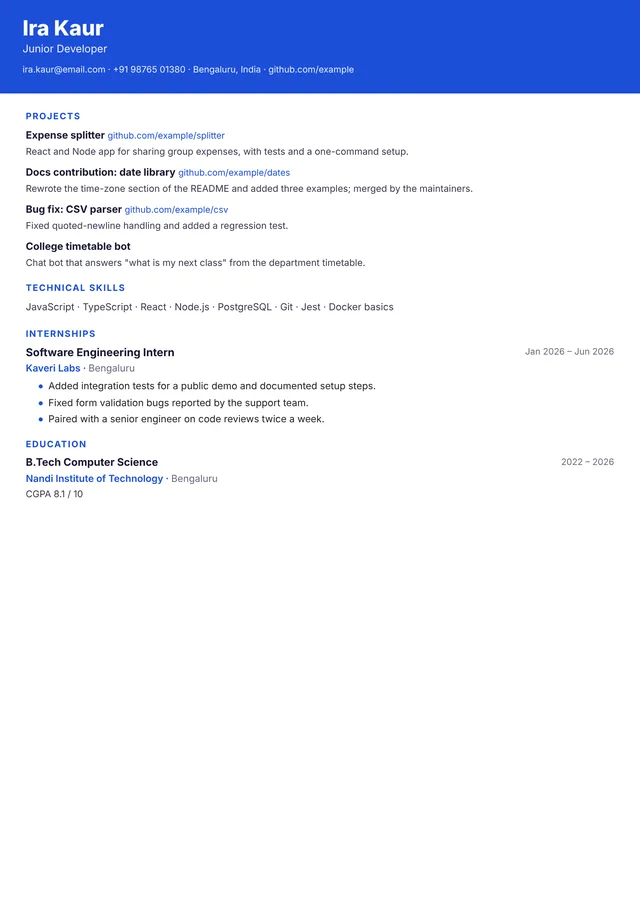
| Students, internships & first-job freshers | Campus, Compact, Lumen, Capsule | Tight one-page layout where education, projects and skills sit near the top (see fresher guide) |
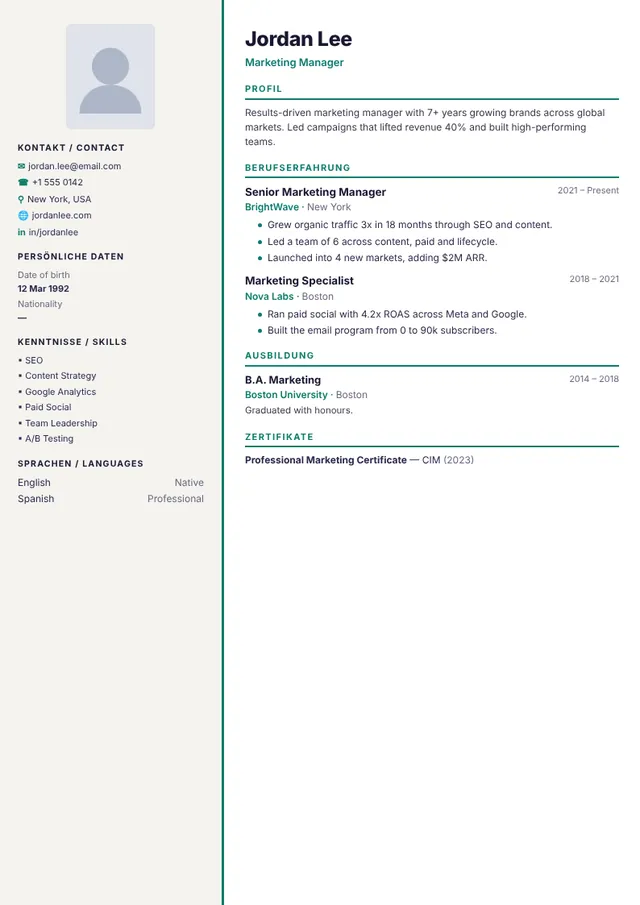
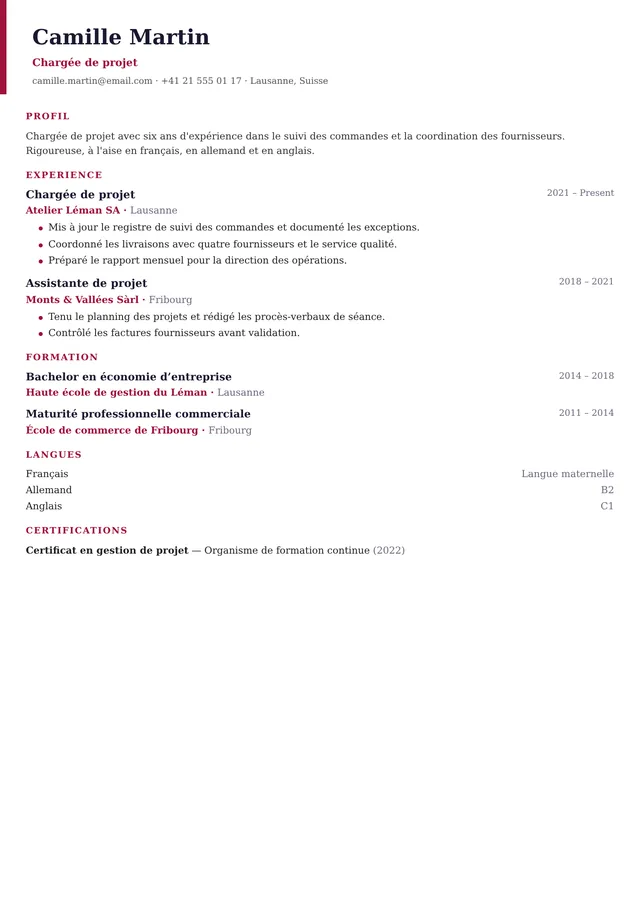
| Germany, Switzerland, Austria & EU | Berlin, Europa, Terra, Diplomat | Structured personal-data block, headshot slot and CEFR language table (see country rules) |
| Engineering, IT & project-heavy roles | Blueprint, Index, Vertex, Contour | Dedicated technical skills grid and structured project role/tools/outcome blocks |
| Senior managers, finance, legal & C-suite | Tenure, Executive, Ledger, Monarch, Regal, Crest | Restrained serif typography, two-page chronological depth and leadership summary |
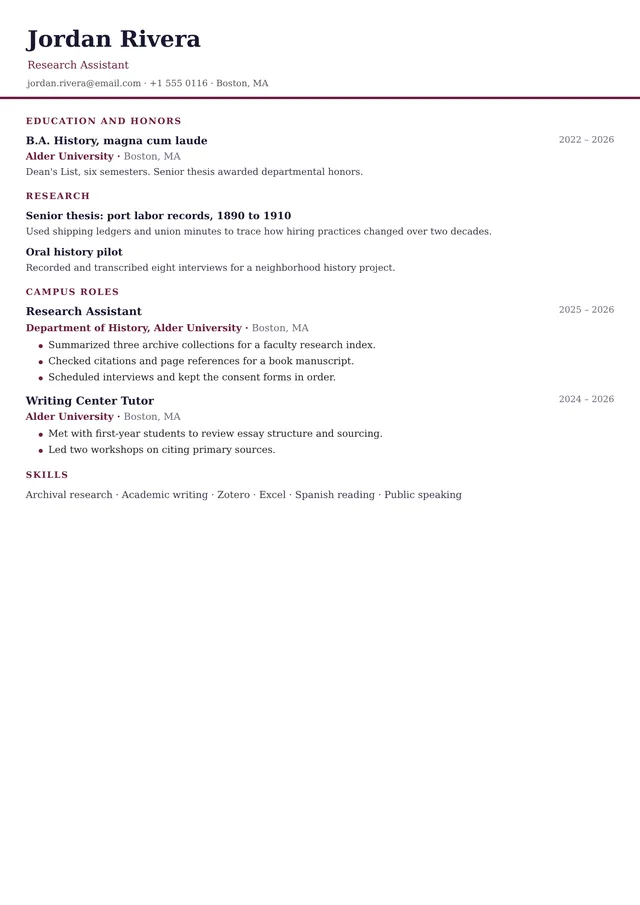
| Academia, PhD, postdoc & medical CVs | Syllabus, Frame | Multi-page academic hierarchy for publications, grants, teaching and fellowships |
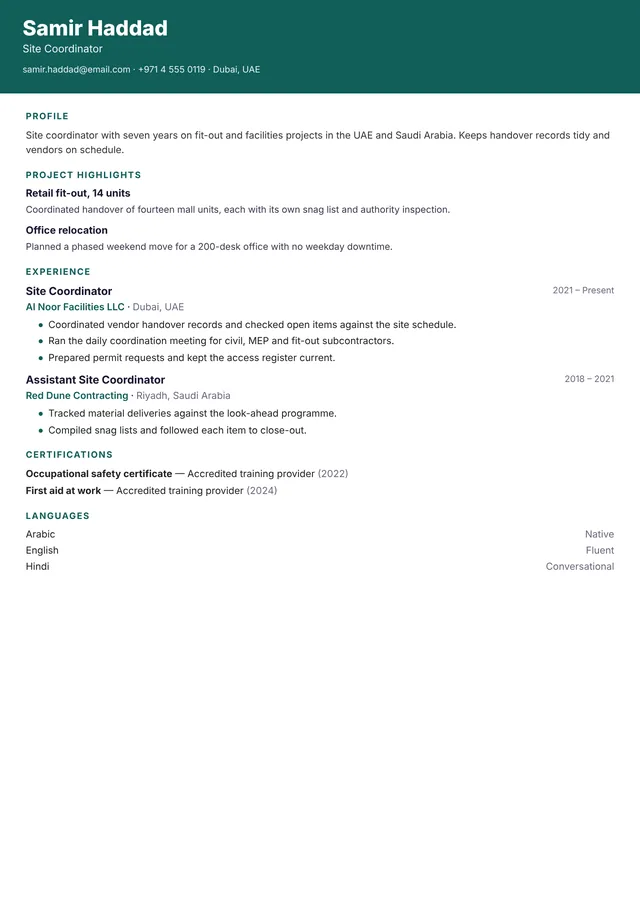
| UAE, Saudi Arabia & other Gulf jobs | Oasis, Diplomat | Personal-details grid with nationality and visa status, passport-style photo (see Gulf CV guide) |
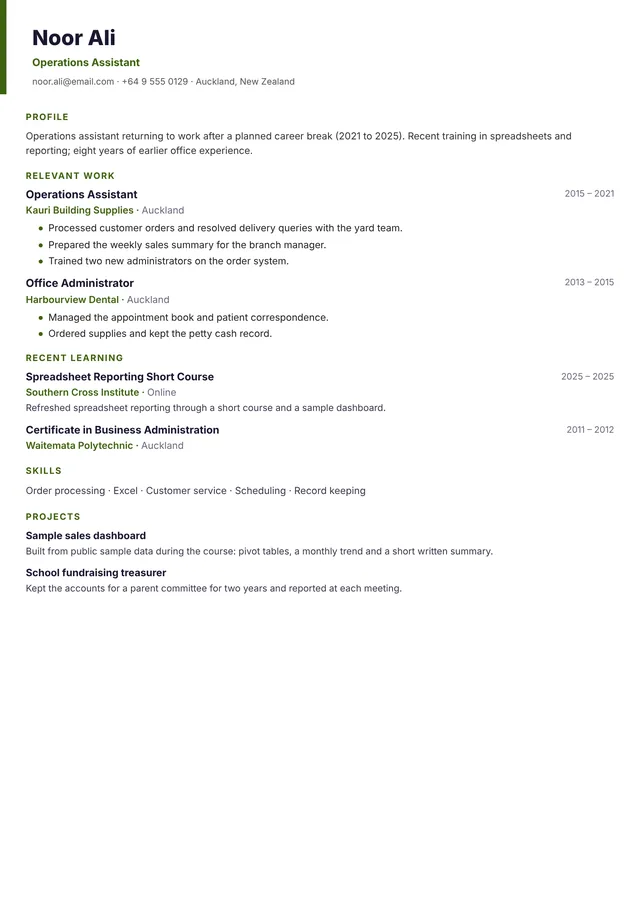
| Career change & returning to work | Pivot, Runway, Capsule | Skills and proof first, dated work history kept (see career change guide) |
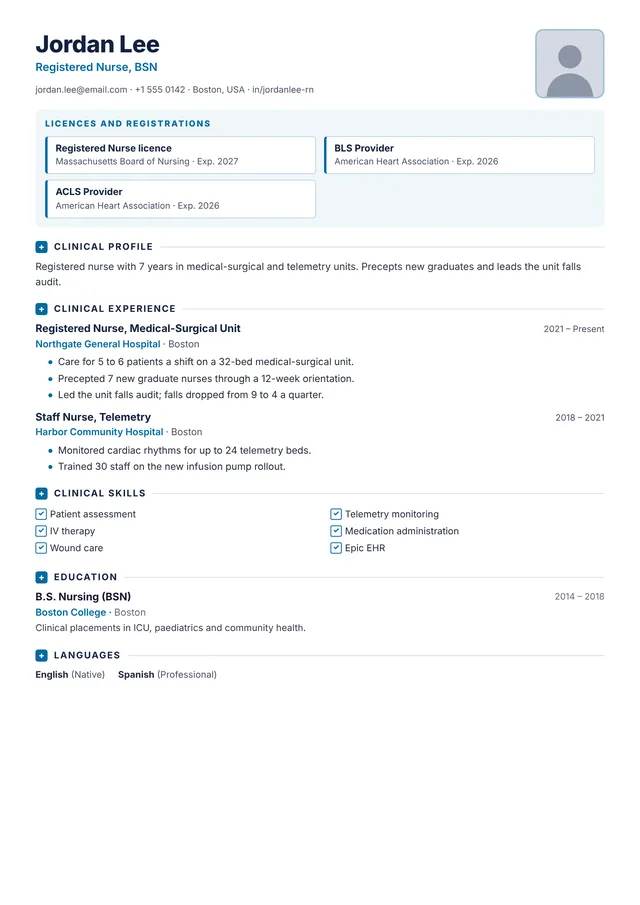
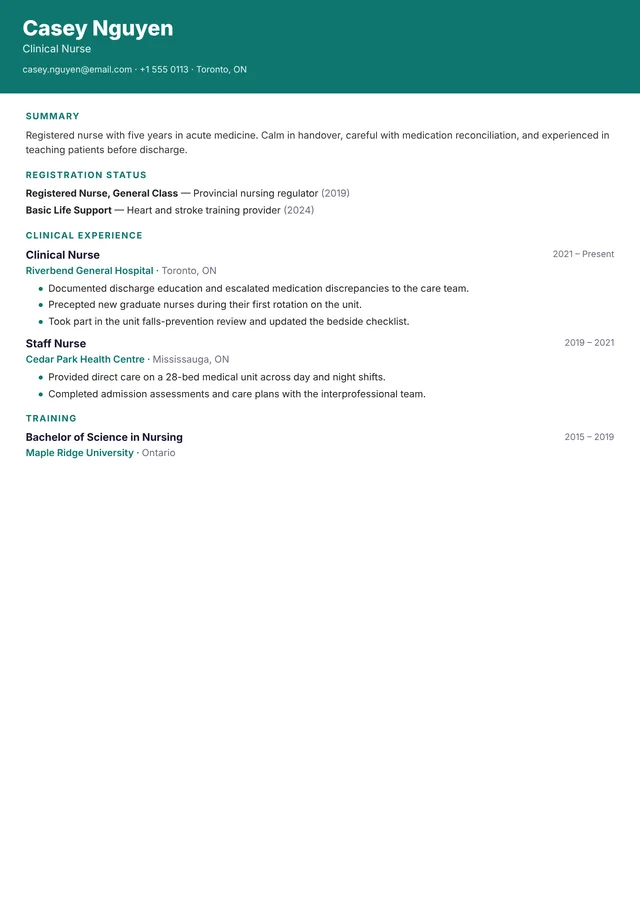
| Nurses & healthcare professionals | Clinic, Sage, Fjord | Licences and registrations under the name, clinical skills checklist (see nurse resume guide) |
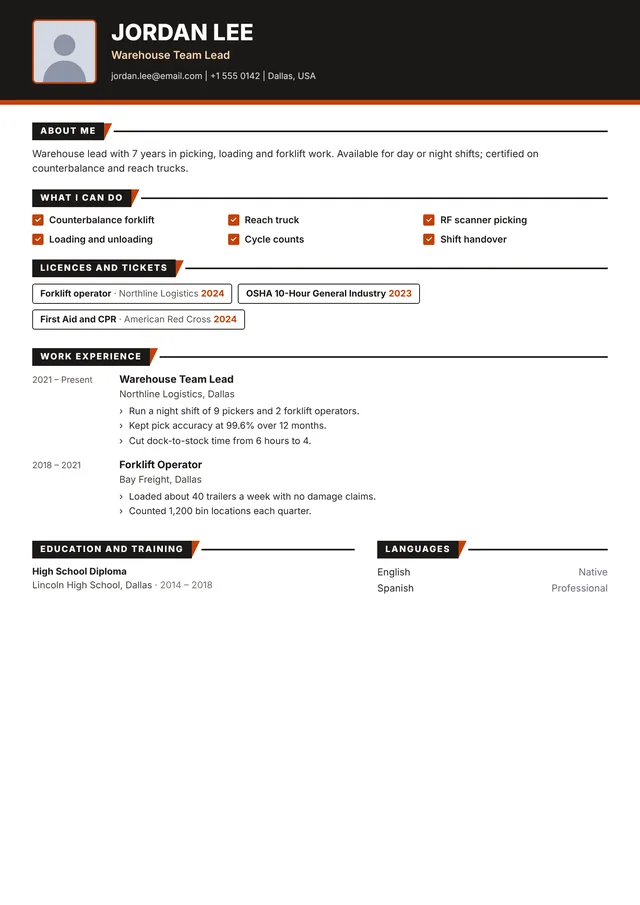
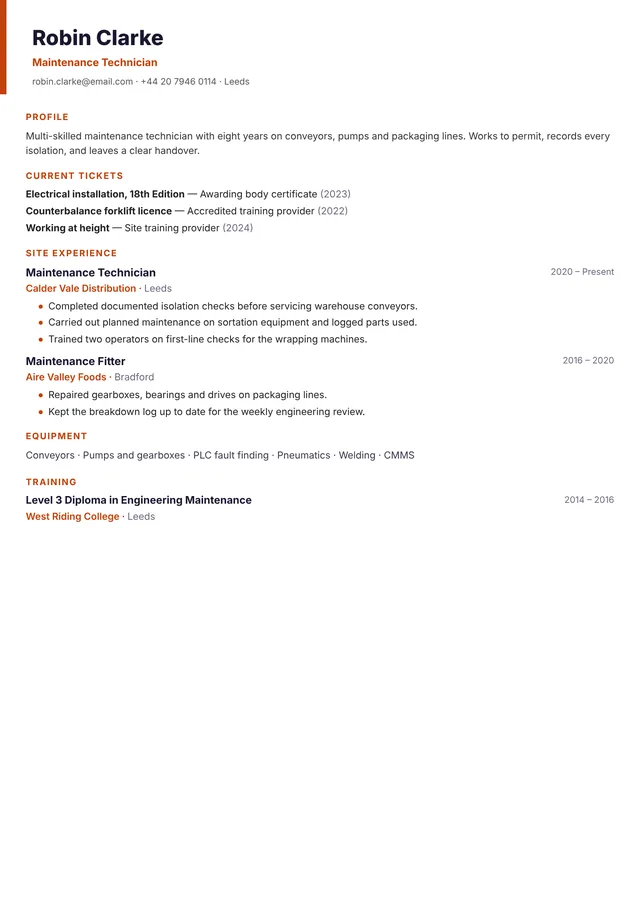
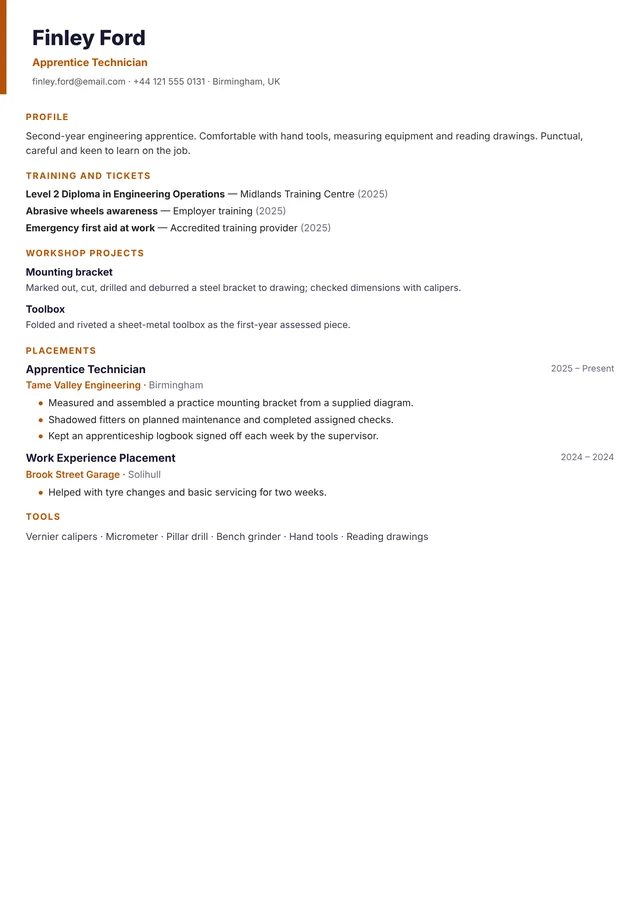
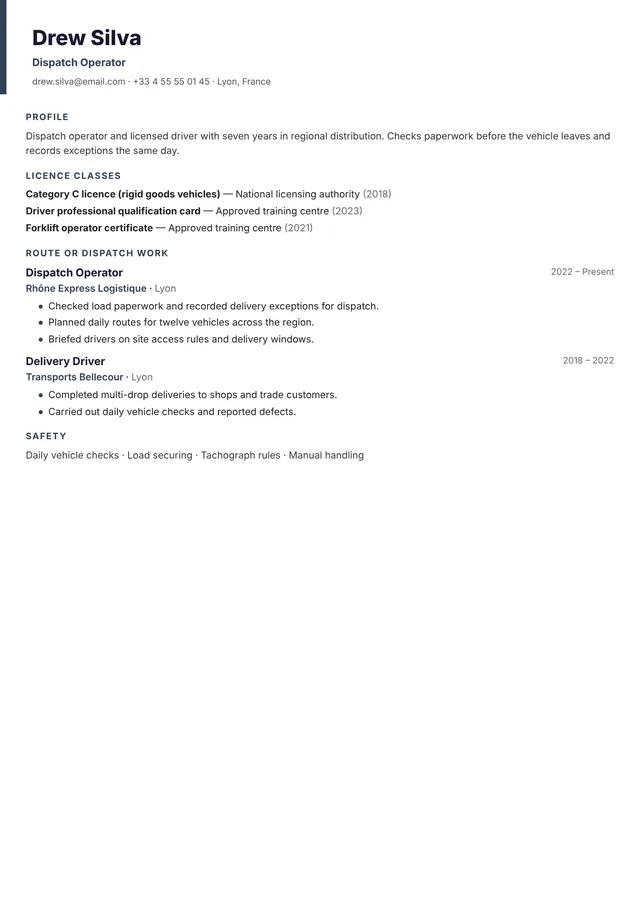
| Skilled trades, drivers, warehouse & hospitality | Crew, Oasis, Mono | Equipment checklist, licences and tickets as badges, one page (see skilled trades guide) |
Single-column vs. two-column templates: how ATS parsers read them
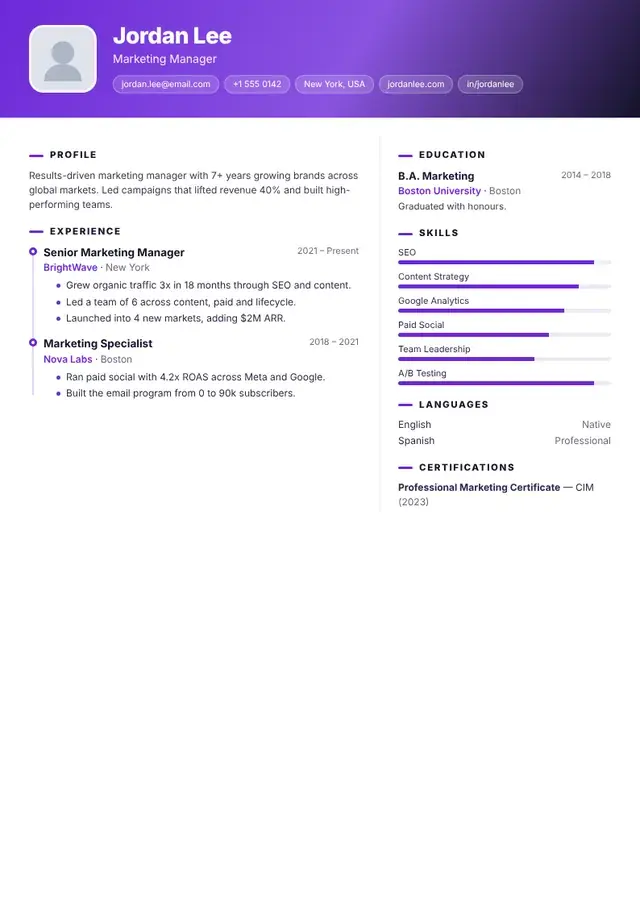
Many job seekers worry that choosing a modern two-column template (such as Aurora, Sidebar or Nova) will cause an ATS parser to reject their application. On QuickCVLab, you never have to choose between design and parseability:
- Single-column designs are linear by nature: Templates like Meridian, Mono, Horizon and Signal stack every section vertically from top to bottom, matching the exact reading order of legacy and modern parsers alike.
- Every template includes Application view and Text PDF export: Even if you design your resume in a two-column sidebar template, clicking Download → Text PDF or Word (.docx) inside the resume builder outputs selectable, linear text in standard section order. You can verify how your draft parses at any time with the free ATS score checker and read our ATS-friendly resume guide.
Worked example: adapting a template choice for two different employers (Before and After)
Imagine Daniel, a full-stack developer with four years of experience applying to both a 12-person product startup (via direct email to the CTO) and a global bank (via a Workday portal):
- ❌ Before (using one heavy graphic file everywhere): Sent a dark-background image PDF with skill-percentage bars and no month-and-year dates to both employers. The bank's Workday parser could not extract text from the image PDF, and the missing months triggered an experience-calculation error.
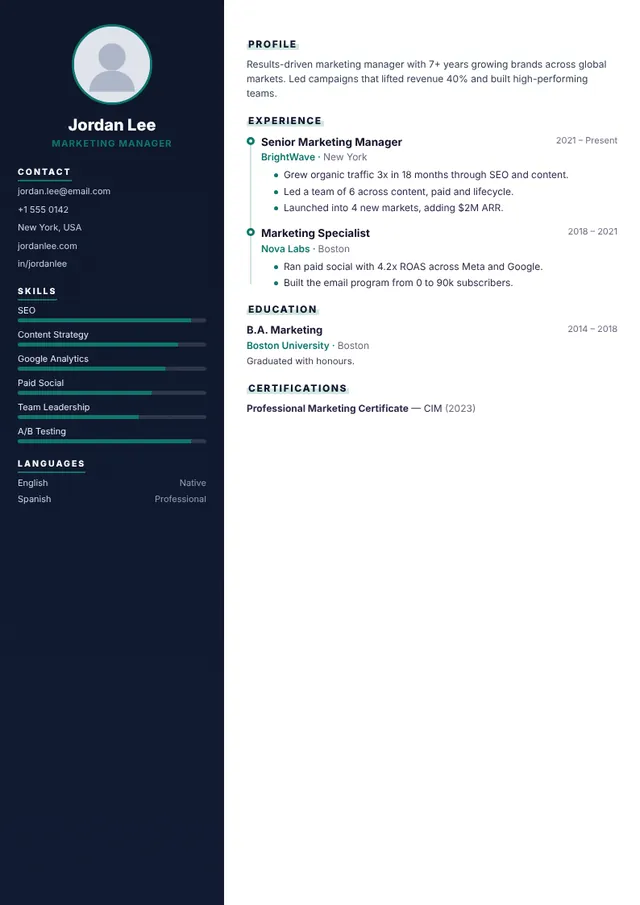
- ✅ After (using QuickCVLab's dual export workflow): Typed his experience once in the builder using consistent Month YYYY dates. For the startup CTO, he selected Vertex and exported the Design PDF to showcase the dark sidebar and timeline. For the bank's Workday portal, he switched the same draft to Blueprint (one column, no photo under US/UK photo rules) and exported the selectable Text PDF along with a matching cover letter.
Common mistakes to avoid when choosing and editing a resume template
- Picking a template for its photo slot when applying in the US, UK or Canada: A photo can trigger automatic rejection in anti-discrimination markets. Use the Format selector in the builder to switch to the US or UK preset, which hides the photo slot automatically.
- Forcing three pages of text into a one-page fresher template: If you have 8+ years of experience, cramped margins hurt readability. Choose a two-page-friendly layout like Executive, Ledger or Contour instead.
- Changing fonts or date styles halfway through the document: Let the template handle typography and spacing; read our 11 resume mistakes guide before exporting.
- Sending a Design PDF (image) to an automated job portal: Always read the subtitles in the Download menu — use Text PDF or Word (.docx) for portals, and Design PDF when emailing a human directly.
Free resume templates — frequently asked questions
Where can I find genuinely free resume templates with no watermark?
Right here. All 88 QuickCVLab resume and CV templates are completely free: open any design in the builder, fill it in and download a PDF or Word (.docx) file with no sign-up, no subscription trap and no watermark.
Which resume template is best for ATS?
Single-column designs such as Meridian, Mono, Horizon, Quartz, Lumen, Signal and Ledger are the simplest for applicant tracking systems. With any design you can also download a Text PDF or .docx that keeps a clean linear reading order.
Is there a resume template for freshers and students?
Yes. Campus, Compact, Lumen and Capsule are built for one-page fresher and student resumes; Campus puts education and projects above internships. See also the resume format for freshers guide.
Can I add a border or watermark to a resume template?
Yes. In the builder, open Page border & watermark and choose a simple line, a double line or a side band in your accent colour, and optionally a light watermark such as DRAFT. The border is included in every download; the watermark is added only to the design PDF and print, so job-portal software never reads it as text. Open the builder.
Do you have international CV templates with photo and date of birth?
Yes. Berlin, Europa, Terra and Diplomat include photo and personal-data options used in Europe and Asia, and Oasis has a details grid with nationality and visa status for Gulf jobs. Any template can switch country format in the CV builder.
Is there a resume template for nurses and healthcare jobs?
Yes. Clinic places your licences and registrations, such as a nursing licence and BLS card, in a panel directly under your name, followed by clinical experience and a skills checklist. Sage and Fjord are calmer alternatives. The nurse resume guide explains what to write.
Is there a resume template for technicians, drivers and warehouse jobs?
Yes. Crew starts with a what-I-can-do checklist and shows licences and tickets as badges before a short work history. For Gulf applications, Oasis adds nationality and visa status; for large online portals, Mono is the plainest choice. See the skilled trades resume guide.
Can I switch templates after typing my resume without losing text?
Yes. Your resume content is stored once in your browser and every template renders the same structured data, so you can preview all 88 designs with your own details in one click.